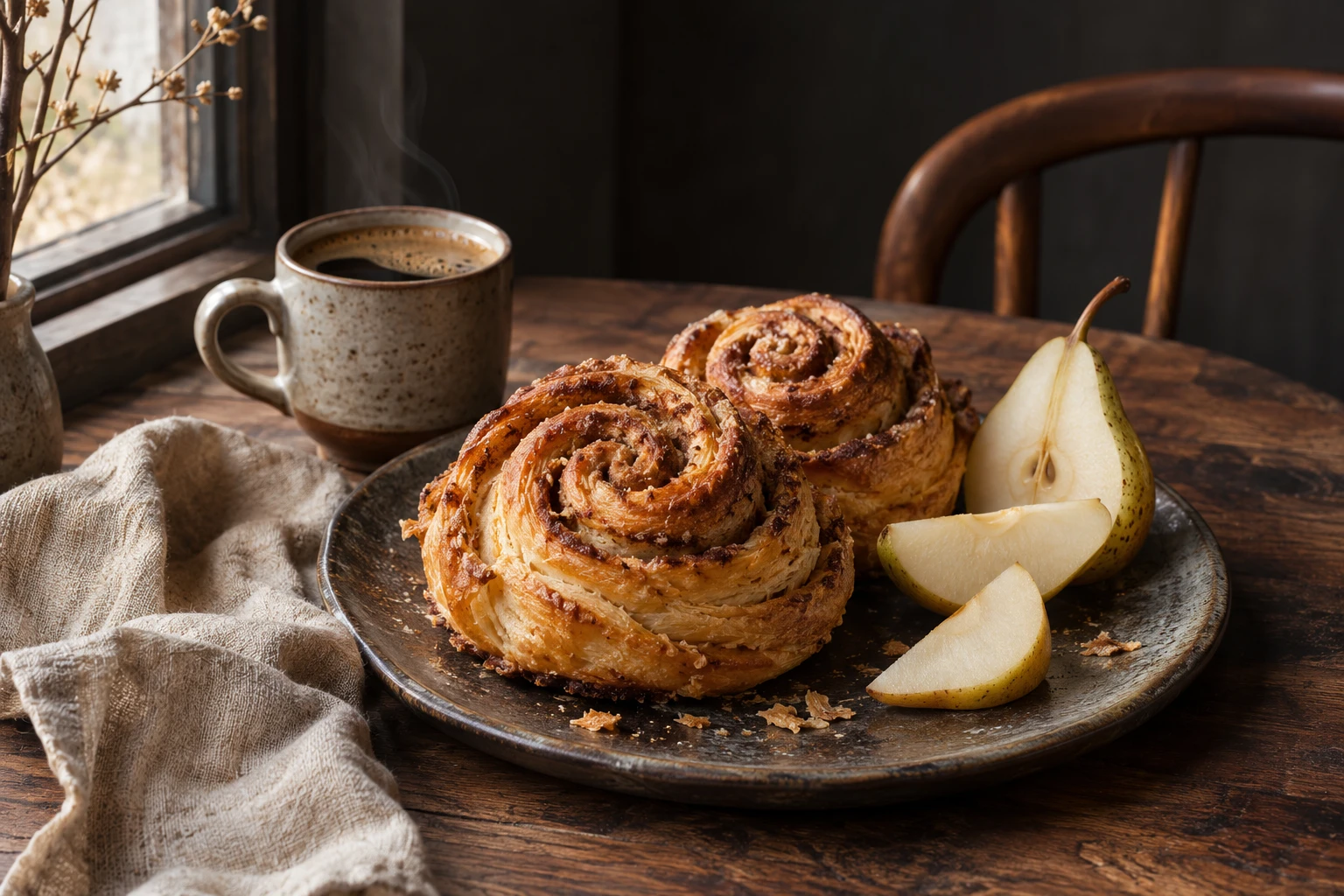
自然光与细腻质感
用温暖的编辑静物探索细节与氛围。
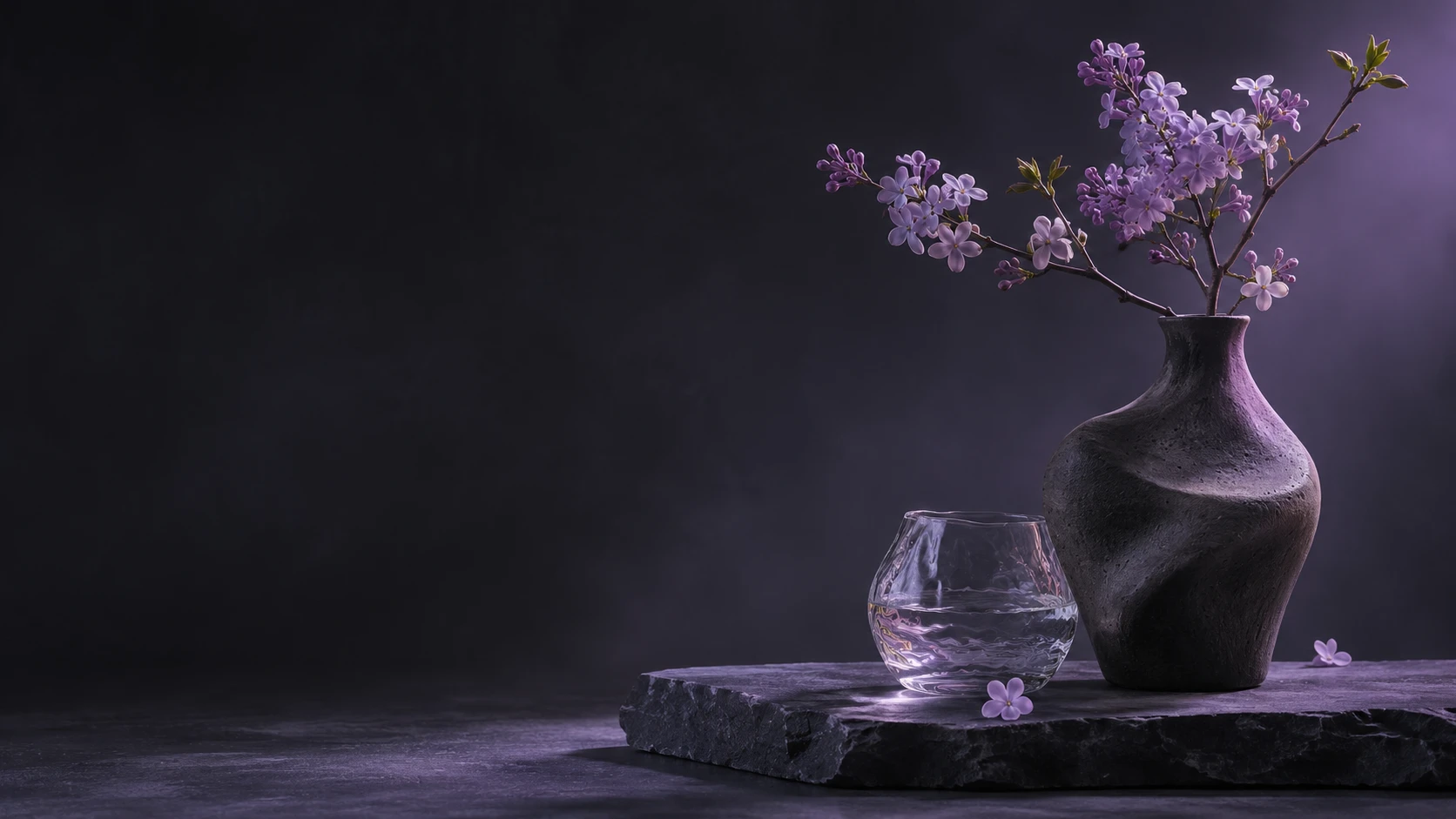
PNG、JPEG、WEBP,最多 10 张,每张不超过 10MB。
An original concept with soft light, warm tones and detailed food textures.
Photograph a warm breakfast still life with fresh bread, seasonal fruit and a ceramic cup. Use soft window light, fine natural textures, subtle steam and an editorial composition. No logos or text.
根据案例编写的参考提示词,并非原始提示词,生成效果会有所不同。
从产品摄影、编辑静物与海报设计中汲取灵感的原创概念作品。
用温暖的编辑静物探索细节与氛围。
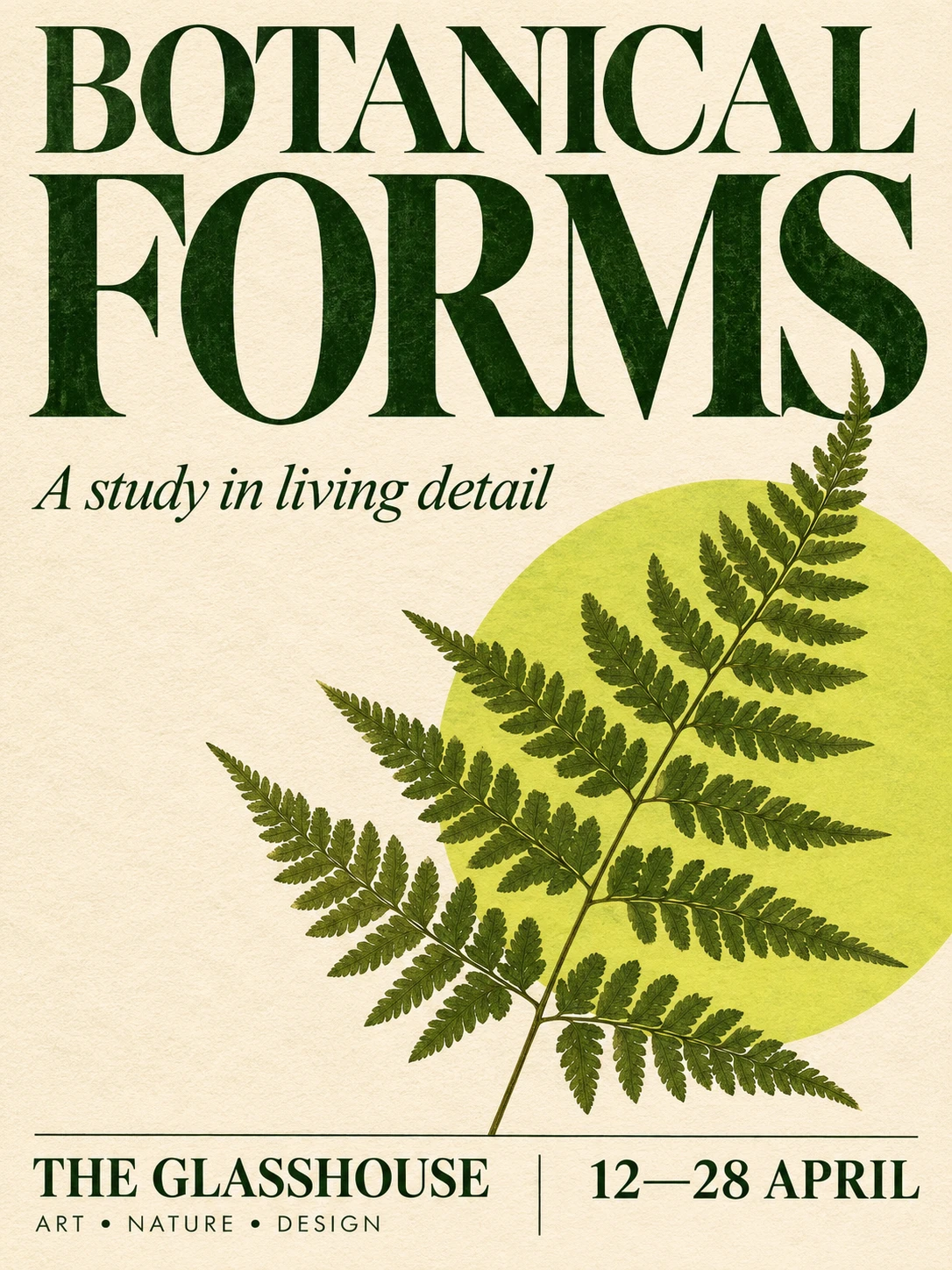
将表现力丰富的排版与植物插画融入海报概念。
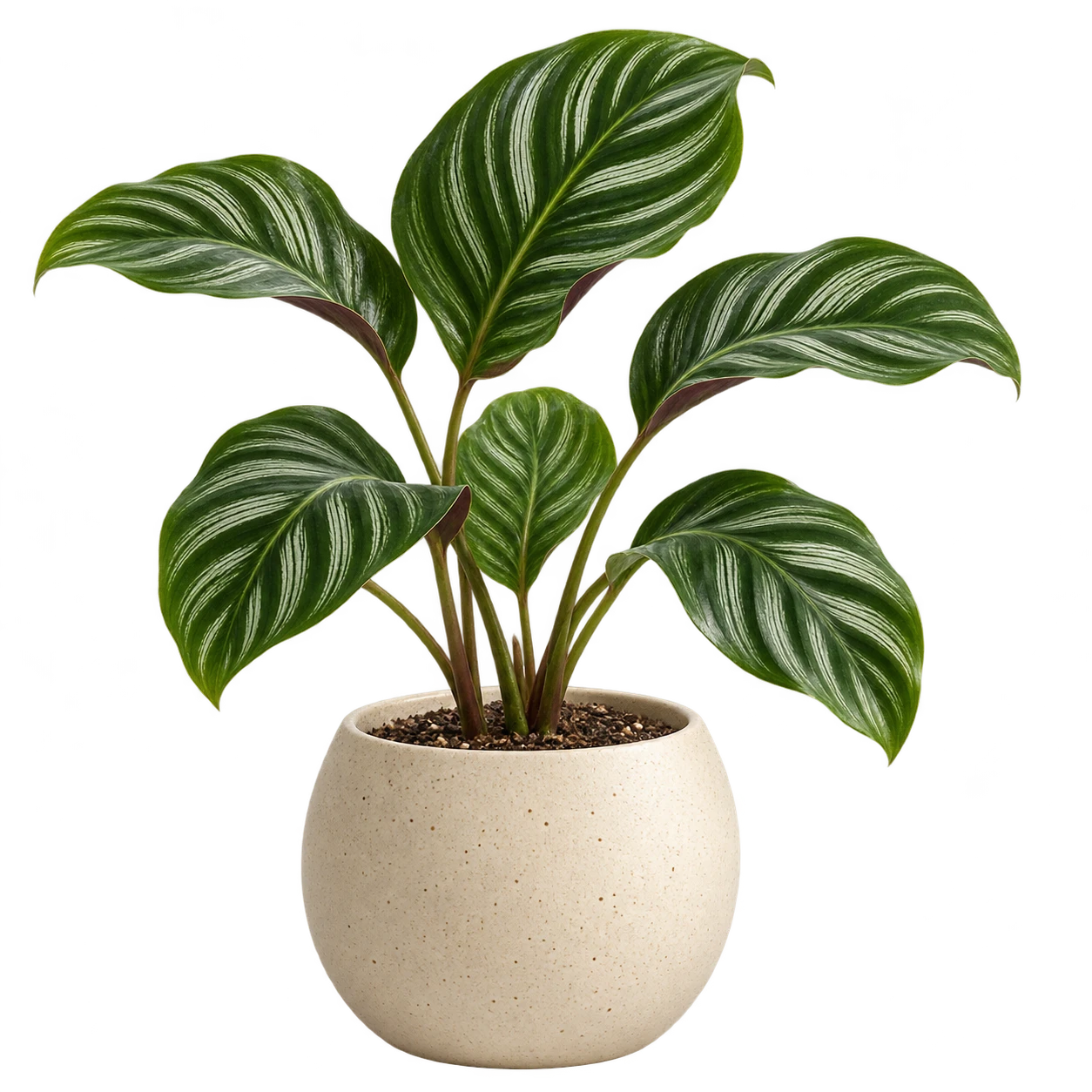
独立产品素材,为组合创作提供更多可能。
Describe your subject, composition and light to explore a new visual direction.
Bring up to 10 images into an edit. Describe the details to change and the elements you want to preserve.
Choose a transparent background to create assets for product layouts, presentations and visual compositions.
Choose 1K, 1.5K or 2K. Preview the credit estimate before generating one image per request.
Use square, portrait, landscape or ultrawide formats. Image editing also offers an automatic ratio.
Start with a brief or a reference, choose your output, and develop your next image.
Start CreatingExplore creative directions for products, campaigns and everyday storytelling.
Start CreatingCreate illustrations and transparent assets to work into a larger design.
Develop campaign concepts and art direction for different placements.
Build product still-life scenes and reference-led visual variations.
Explore detailed imagery, editorial concepts and poster layouts.
A shared workspace for text-to-image generation and reference-guided image editing.
Start CreatingTurn a detailed written brief into a single new image.
Provide images alongside a prompt describing the change.
Request a PNG with a transparent background for flexible compositing.
Select 1K, 1.5K or 2K to fit your intended use.
Choose from eight fixed aspect ratios, plus auto for image editing.
Start with your own idea, explore the details, and make it yours.
Create, edit and refine